STTS
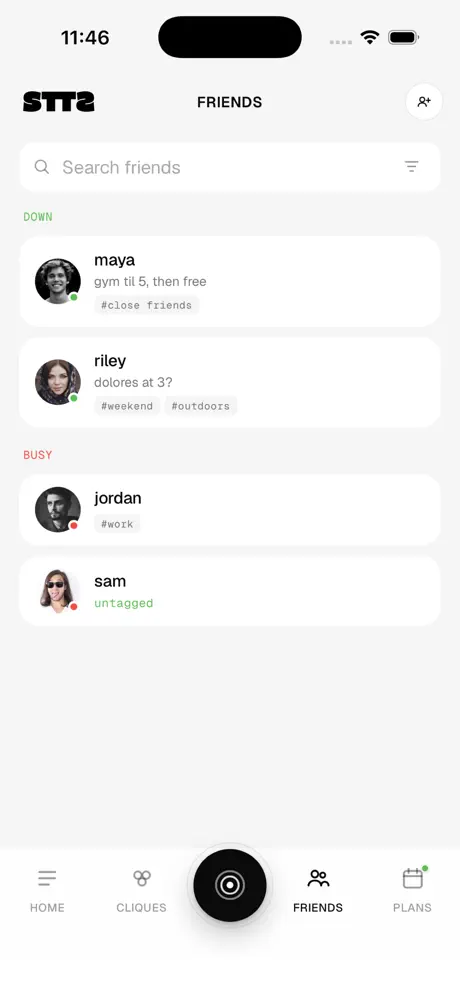
See who's down. No pressure.
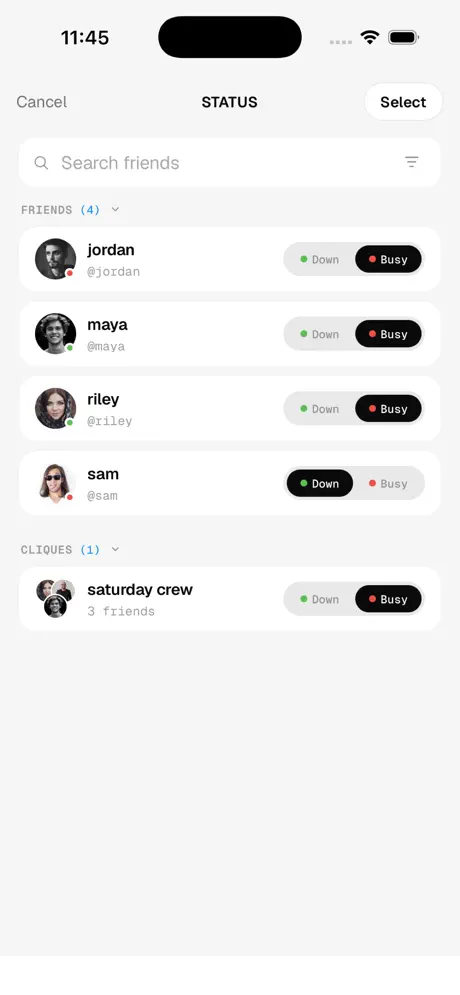
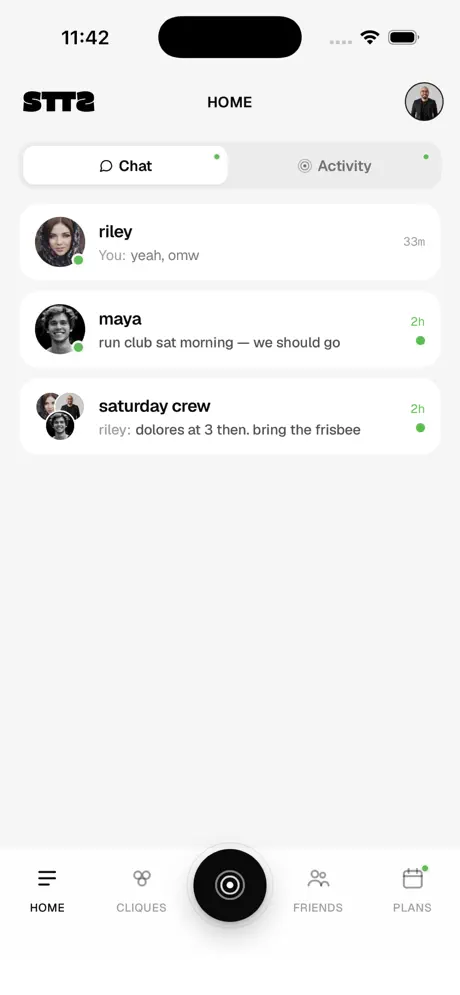
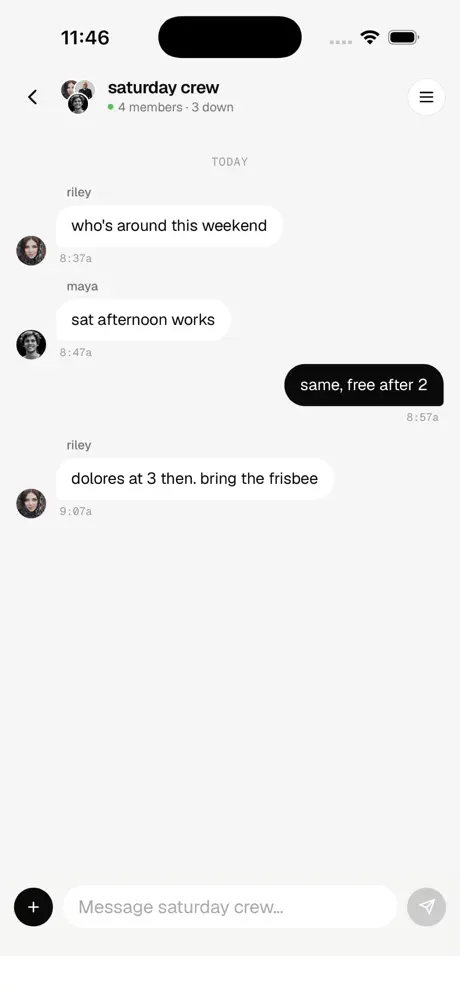
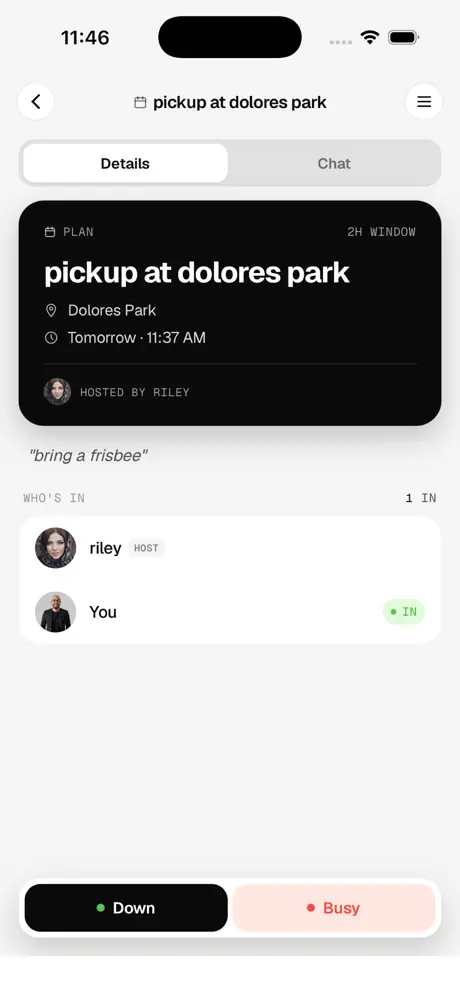
Share your status with specific friends or cliques, not your whole contact list. You are either down or busy, and only the people you pick can see it. Your schedule opens up, you set yourself down, and those friends get a notification. If they are down too, they reply. If not, nothing happens. No pressure either way.
stts.app →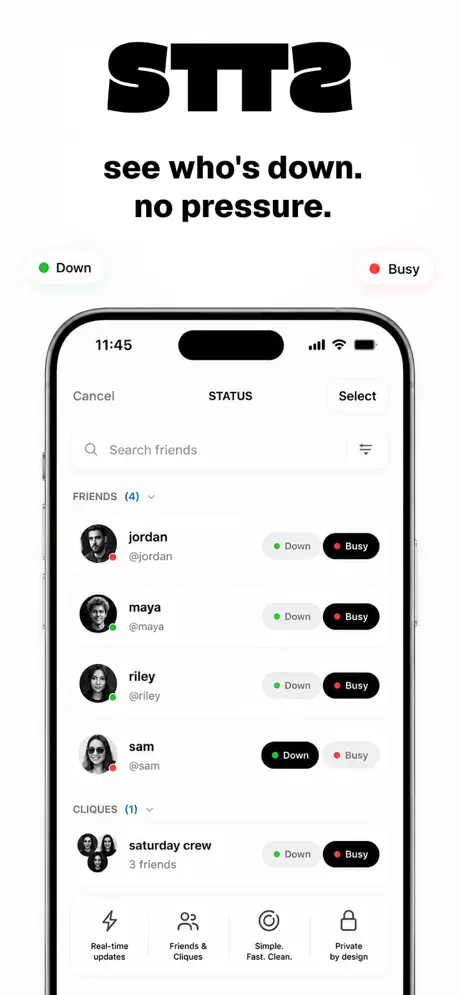

SCLPT
Your meals, planned. Your training, coached.
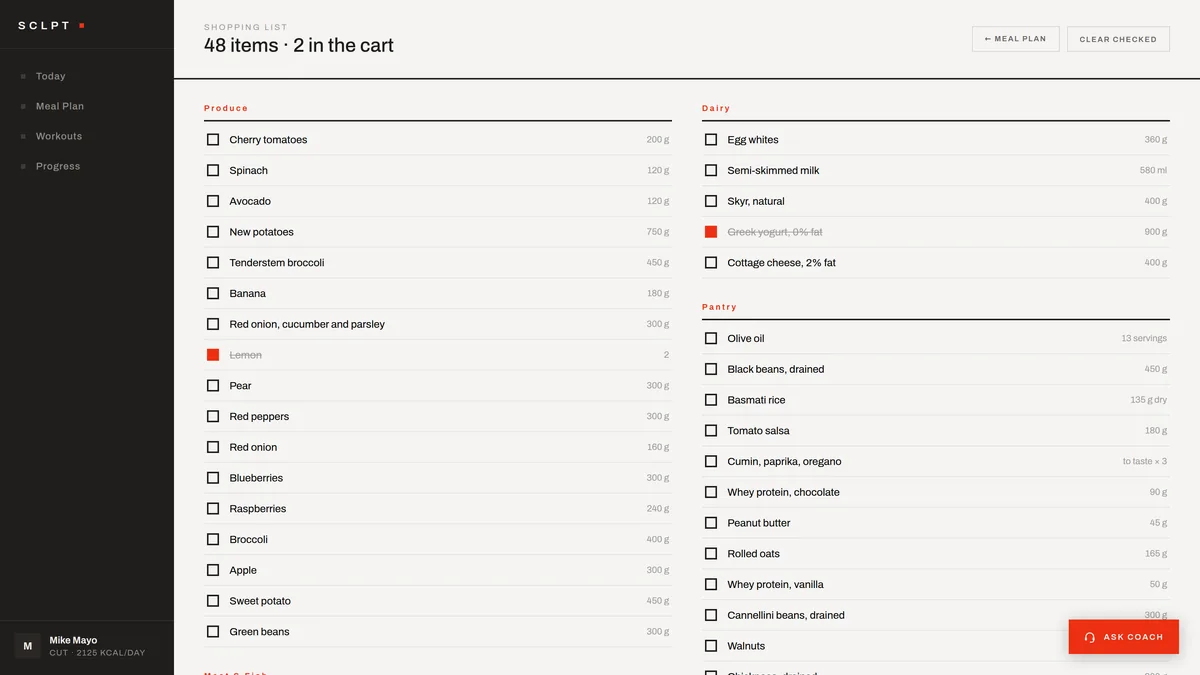
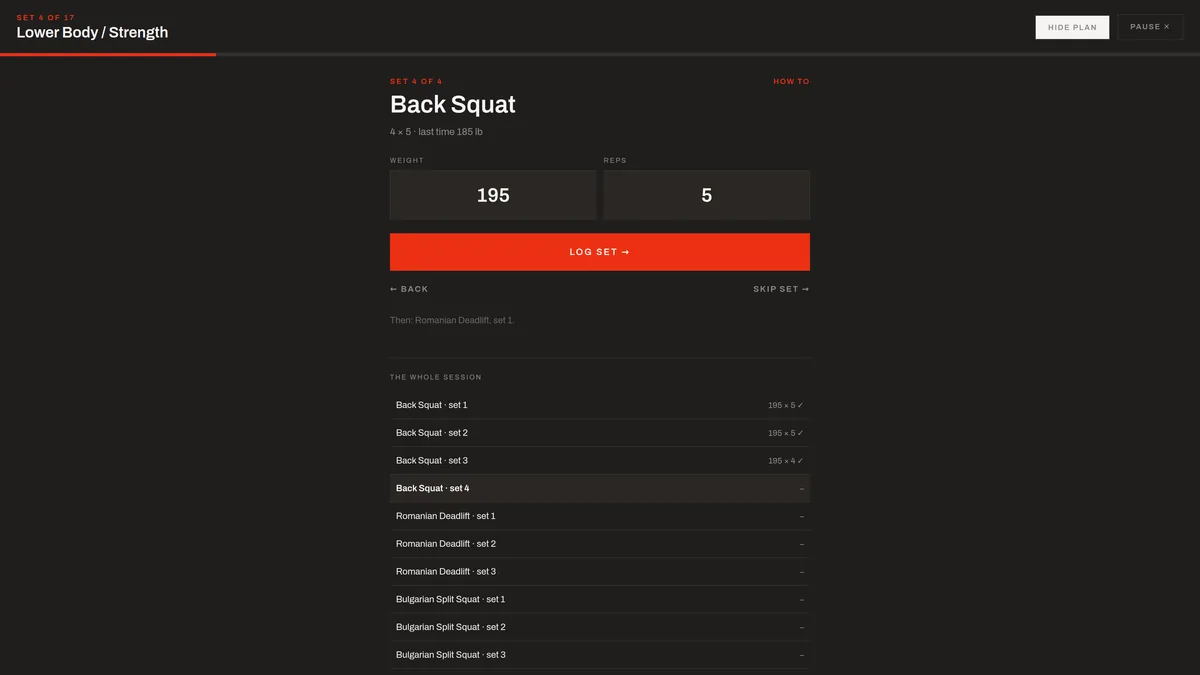
Answer four questions and SCLPT plans both halves of your week. In the kitchen, it computes your daily macro targets, plans meals around what you actually buy, writes the aisle-sorted shopping list, and walks you through each recipe a step at a time. In the gym, it builds the workout plan itself, and a session player with a coach's voice guides you through every set.
Most trackers leave you doing the arithmetic, most meal planners ignore what is already in your kitchen, and most training apps hand you a template and go quiet. SCLPT does the whole job and keeps it honest. Eat something off plan and the rest of the day resizes to fit. The amounts are solved rather than estimated, so a day that claims to hit your targets adds up to them. And mid-workout you are never squinting at your phone between sets — the coach tells you what is next and talks you through it.
sclpt.app →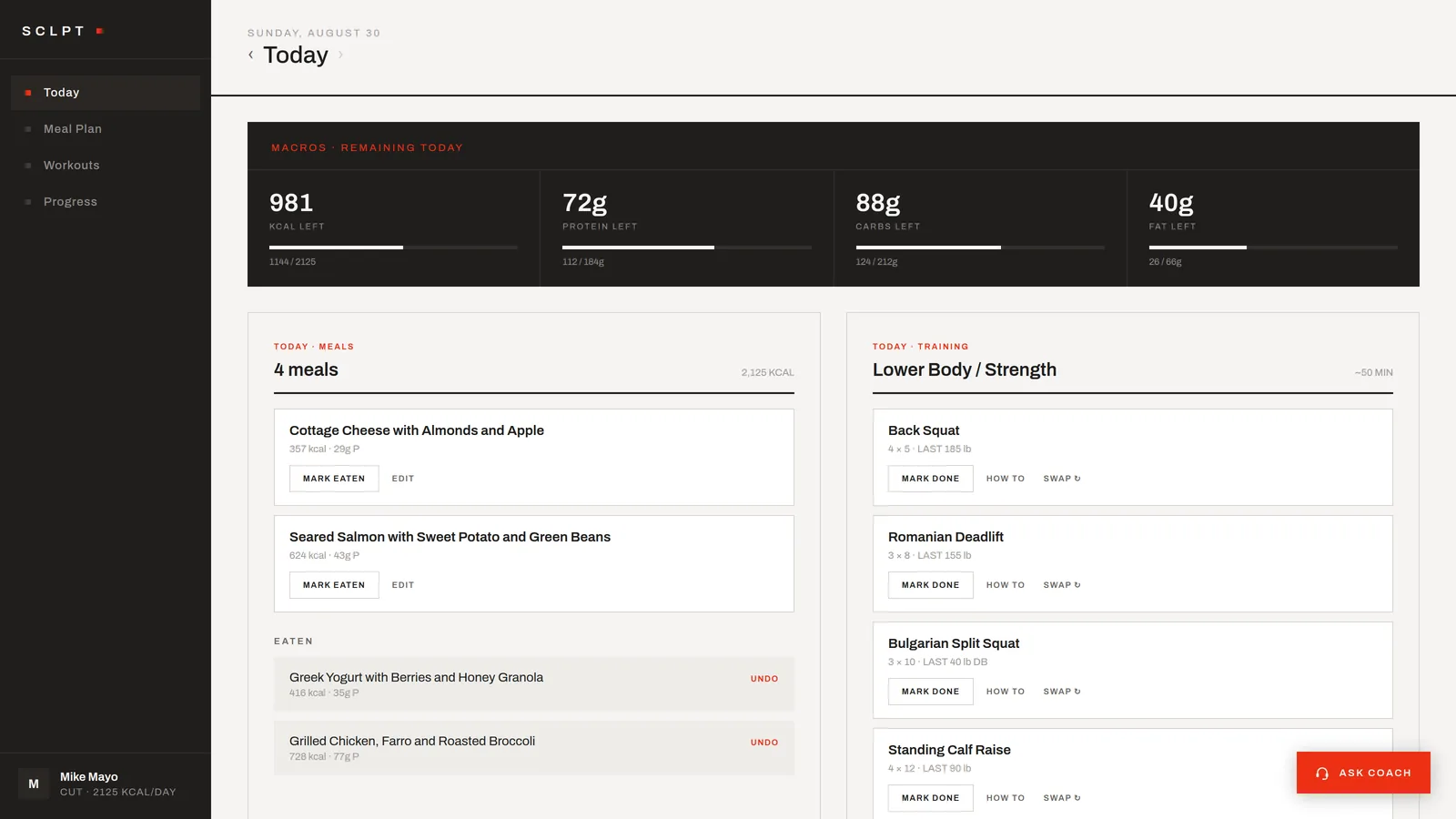
SGNTR
A clean, free email signature builder.
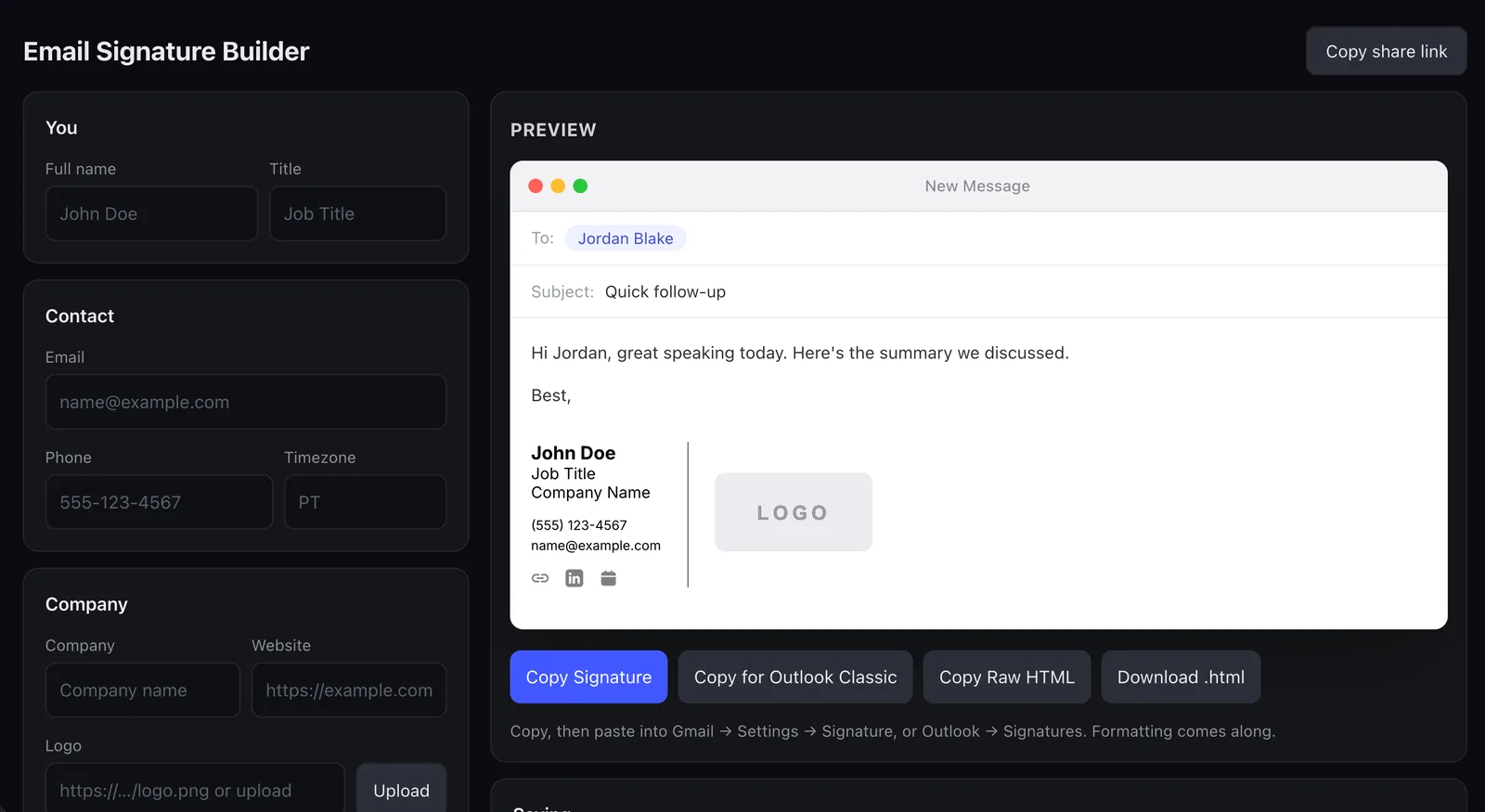
Fill in your details and watch the signature build itself in a live email preview. Empty fields simply drop out, so the layout adapts to whatever you actually include. One click copies it with formatting intact into Gmail, Outlook, or Apple Mail, with a dedicated fixed-width version for Outlook Classic.
There is no account and no sign-up. Everything happens in your browser, your details never leave it, and a share link can carry a whole team's setup so coworkers only fill in what is theirs.
sgntr.app →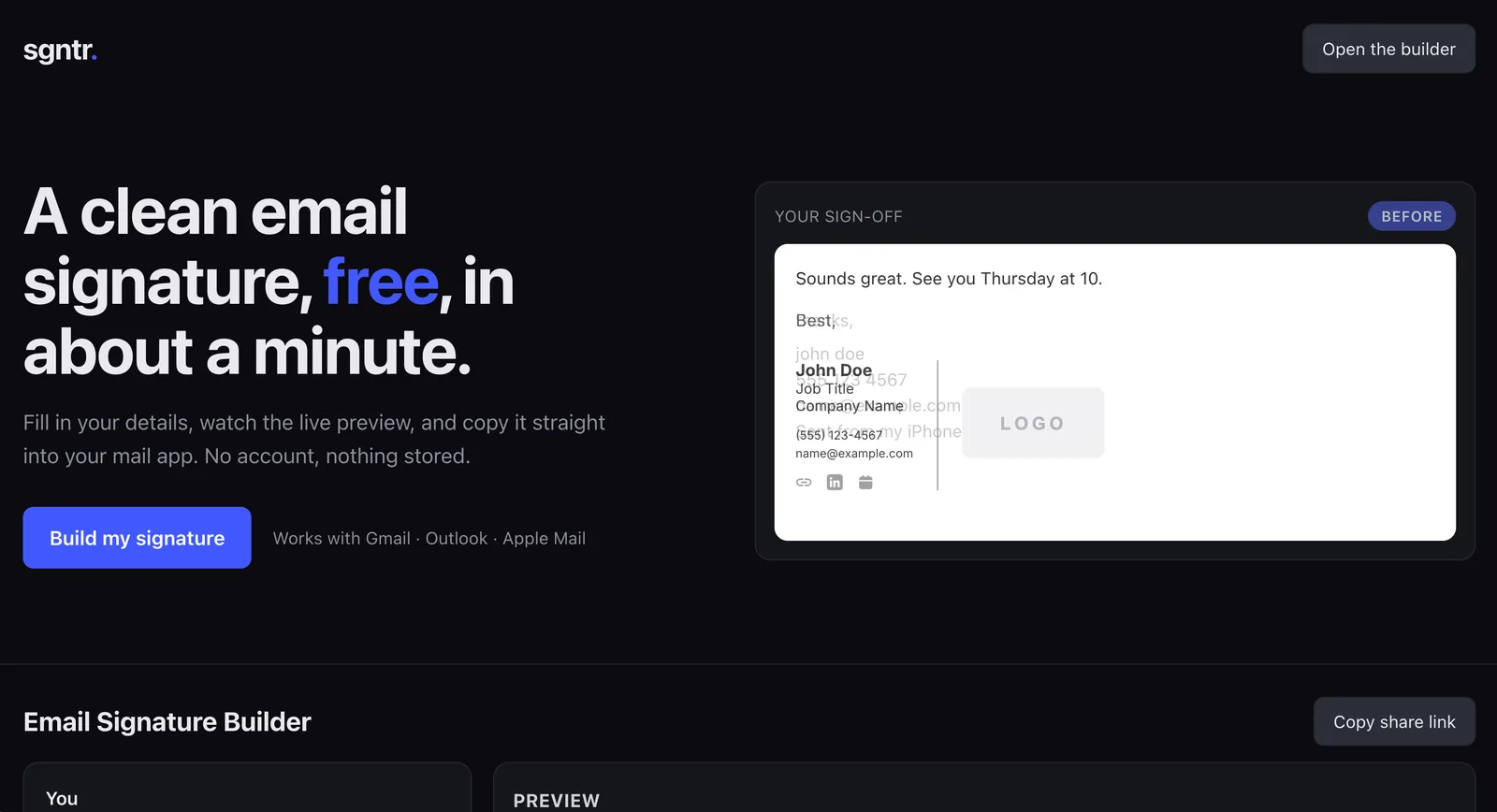
RCLL
Recall everything you know.
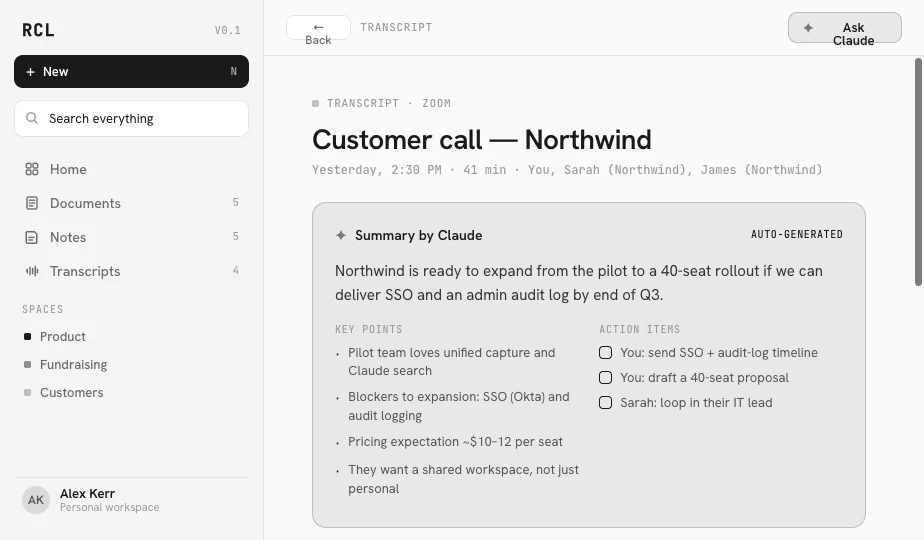
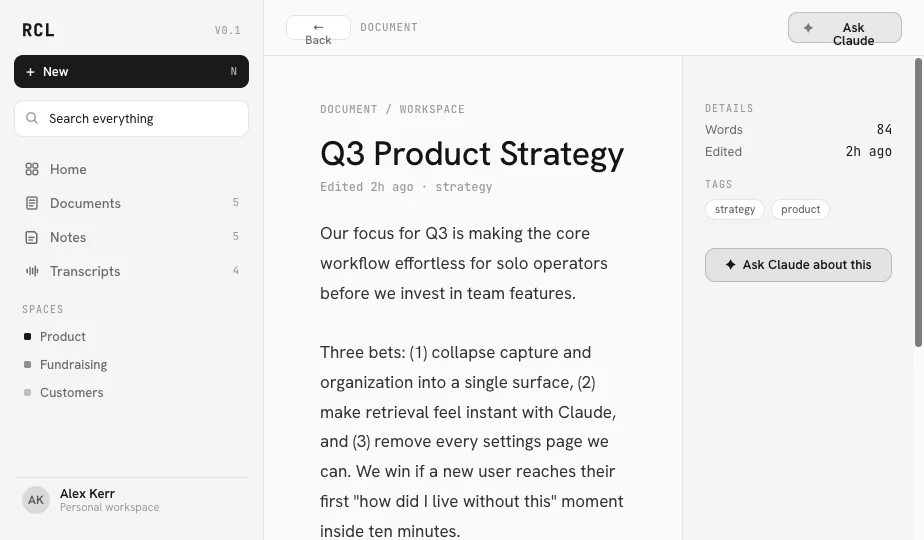
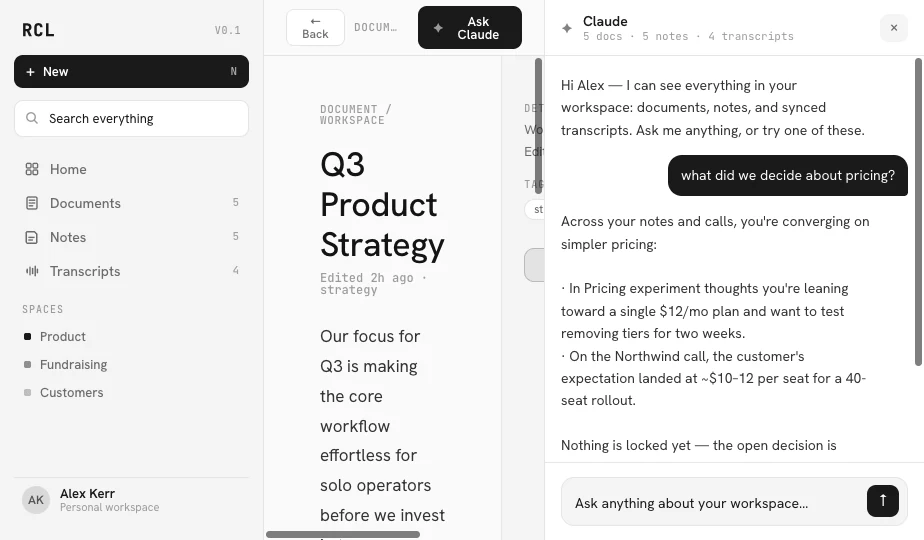
Documents, notes, and meeting transcripts in one calm, monochrome workspace, with Claude woven through it rather than bolted onto the side. Transcripts summarize themselves and pull out the action items. The editor picks up your writing where you left off.
Ask a question and the panel answers across everything you have captured, then cites the exact documents and calls it drew from. The point is not another place to file things. It is being able to get back what you already know, the moment you need it.
rcll.app →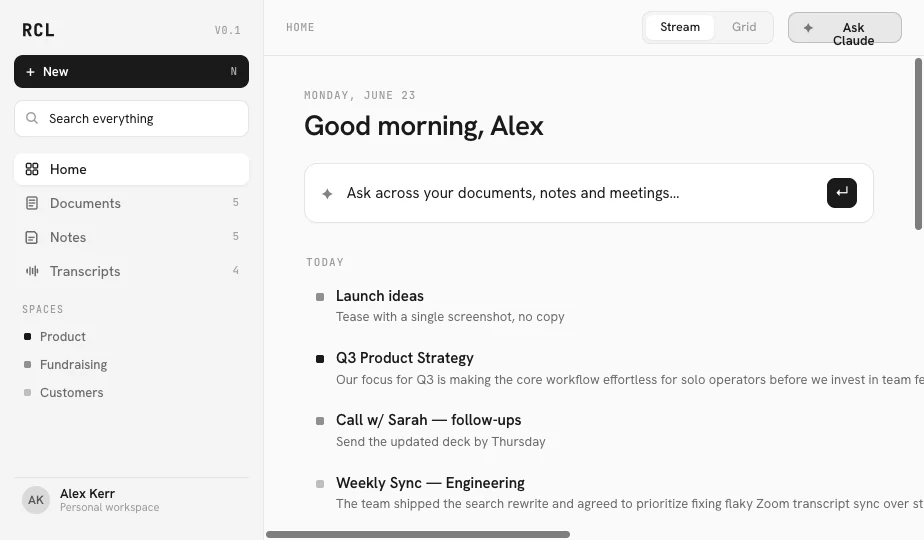

DRNK
Find the perfect drink, every time.
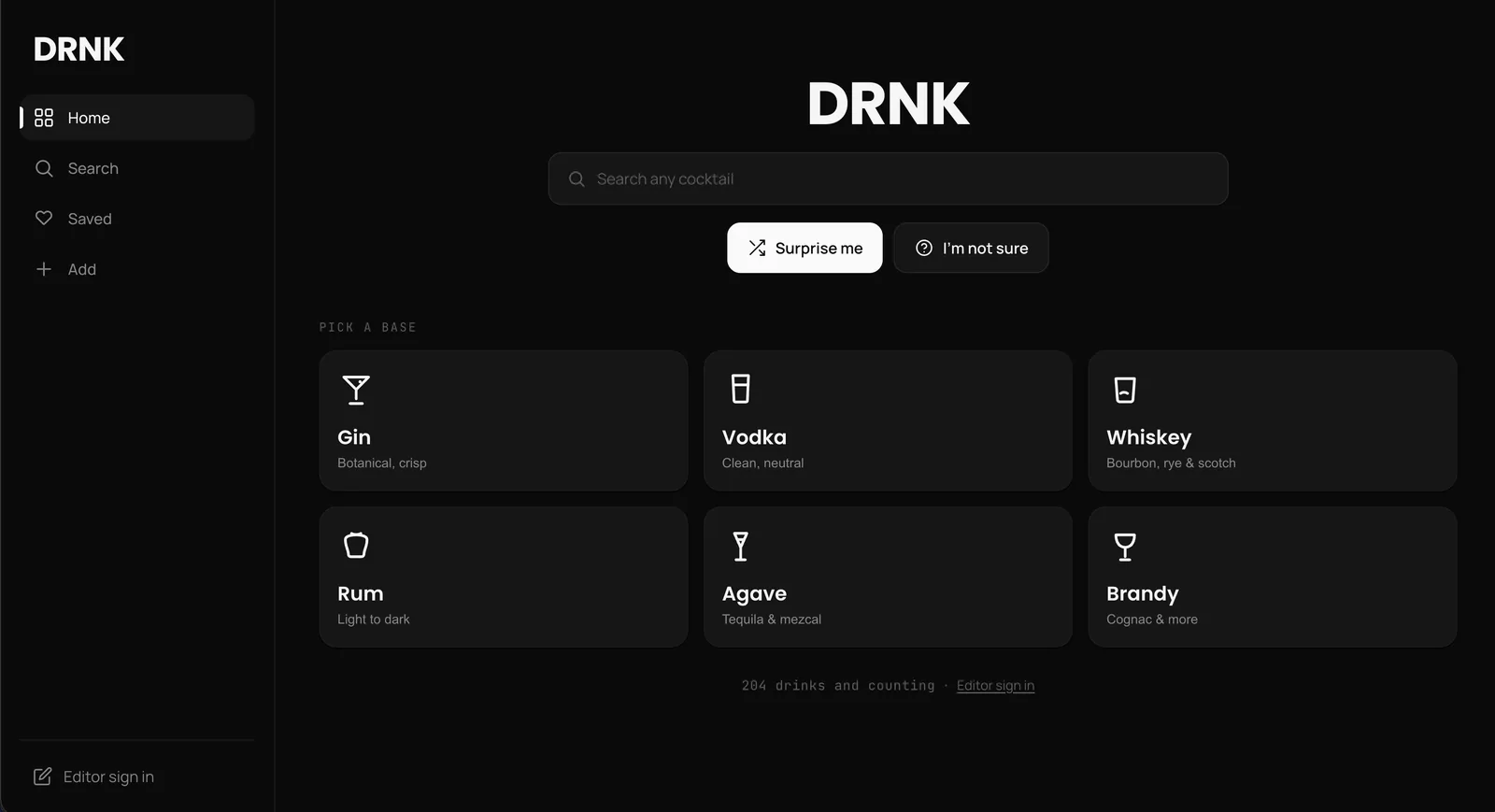
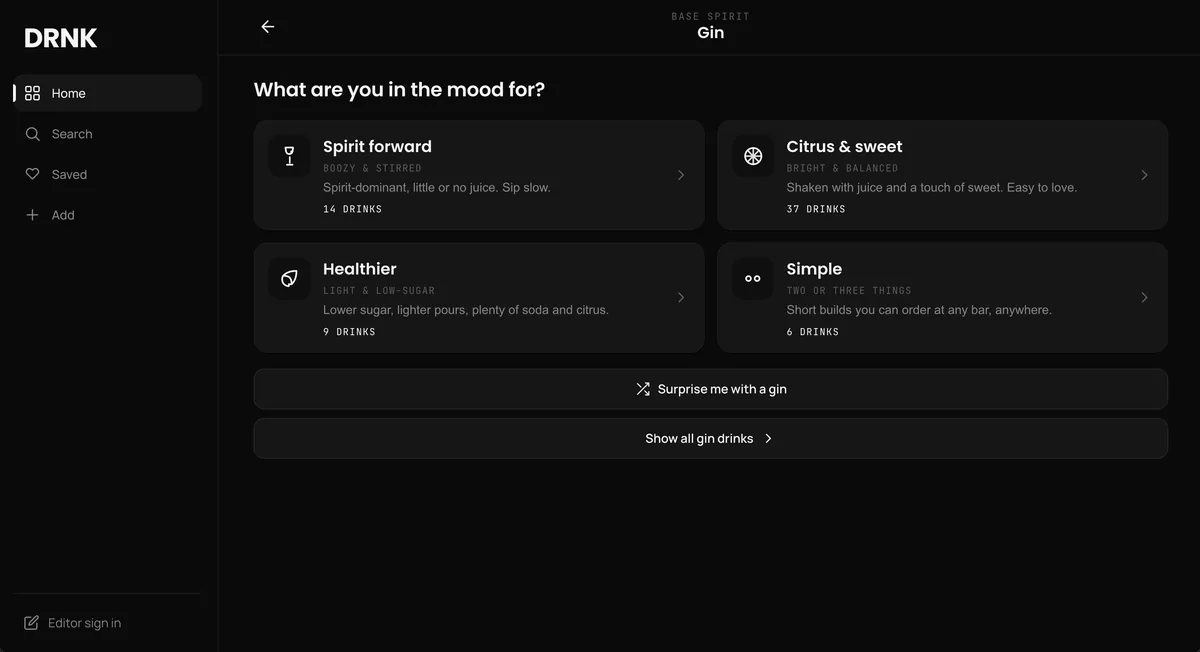
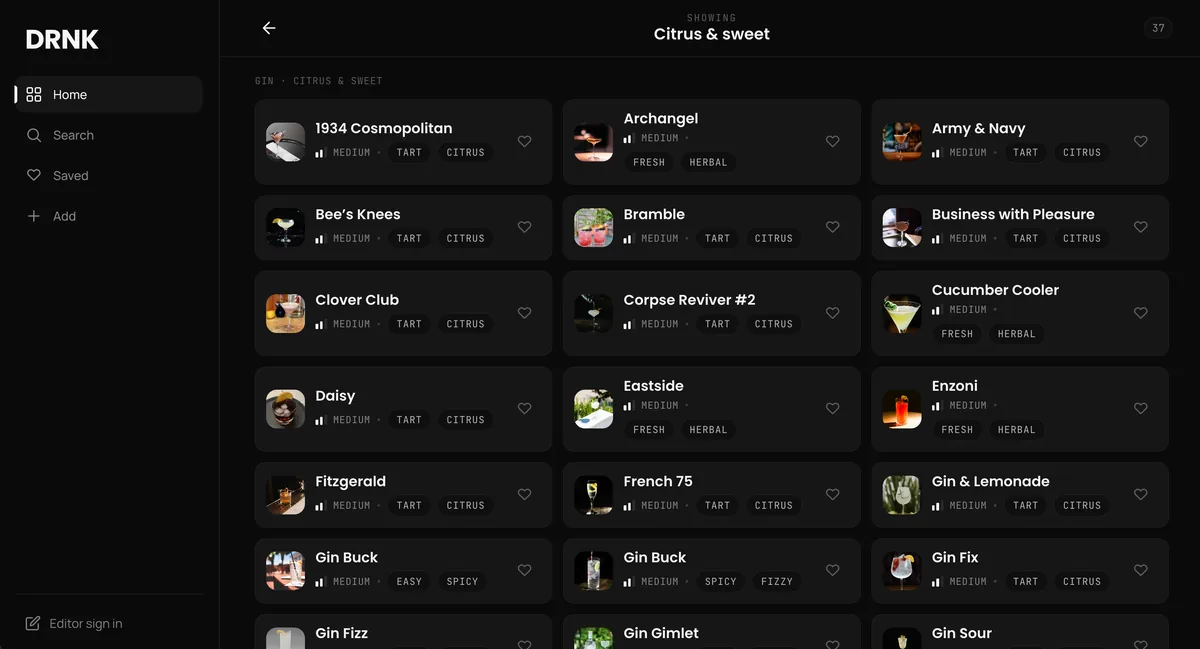
A cocktail finder that starts where you actually start: a bottle already on the shelf, or a mood. Pick a spirit, or say what you are in the mood for, and it hands back curated drinks with full recipes and exact measures.
No blog post before the ingredients, no life story, no ad break between the gin and the vermouth. Just the drink and enough detail to make it right the first time. Feeling indecisive is a supported input too.
drnk.app →